
Why Classifying Information is Essential for Small Business Cybersecurity
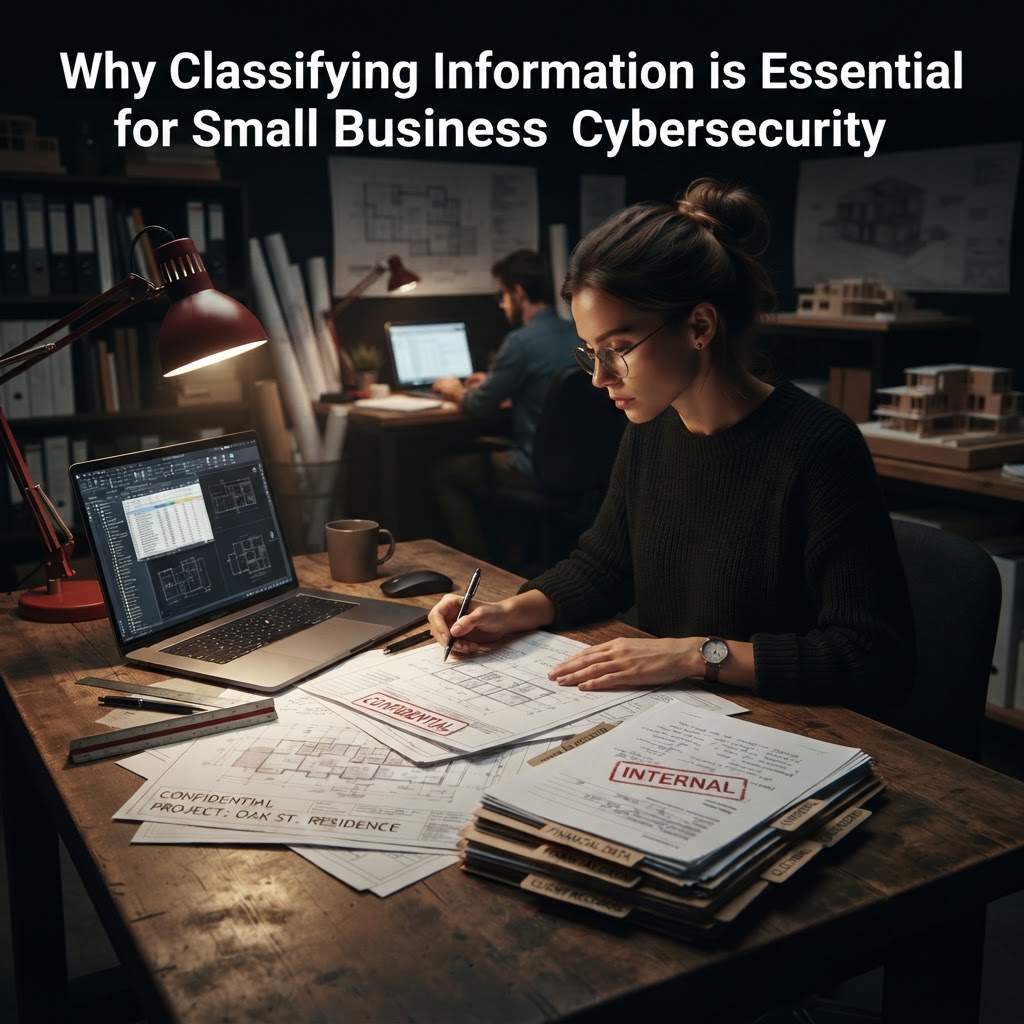
Think your firm is too small for a cyberattack? Learn why classifying information is the critical first step to protecting your data and preventing ransomware.
If you think your small firm is "too small to target," I have some difficult news: you are exactly the type of business cybercriminals are looking for today. In my 26 years of helping professional service firms, I have seen owners treat cybersecurity like a chore for their IT guy—a "check-the-box" task involving antivirus and prayers. But when you don't have a plan for classifying information, you are essentially leaving your vault door wide open while arguing over the color of the curtains.
I once worked with a 15-person law firm that assumed all their files were "equally important." When they were hit with ransomware, they had no idea which folders contained their most sensitive client trust account data versus which contained old marketing brochures. They ended up paying to recover everything, including junk files, and suffered two weeks of total operational paralysis. The global average cost of a data breach is now $4.88 million , and while that number reflects larger enterprises, the impact on a firm with 20 employees is often existential. You need to know what you are protecting before you can actually protect it.
Key Takeaways
- Visibility is security: You cannot protect what you don't know you have. Classifying information allows you to identify exactly where your most sensitive client data lives .
- Stop the "all-or-nothing" approach: Not every file needs military-grade encryption. Classification helps you apply strict security to high-risk data while allowing flexibility for routine work .
- Human element remains the biggest risk: 68% of breaches involve non-malicious human error . Clear labels tell your staff exactly how to handle a sensitive document versus a public one.
- Reduce your "Blast Radius": If you know which files are critical, you can limit who has access to them, drastically reducing the damage if an employee’s account is compromised .
- Save money and time: Businesses that use AI and automation in security—supported by good data classification—save an average of $2.2 million per breach .
- Compliance is a byproduct: If you are under pressure to meet industry standards (like HIPAA or SOC2), you cannot pass an audit without a documented system for classifying information .
Why Classifying Information is the Foundation of Your Defense
In my experience, the biggest mistake small business owners make is assuming that "security" is a single product you buy. It isn't. Cybersecurity is a series of decisions. If you don't have a system for classifying information, you are making those decisions in the dark.
Understanding the "Where" and "What"
Most small firms have data sprawled across email, cloud storage, local desktops, and third-party apps. I’ve seen firms lose track of client PII (Personally Identifiable Information) because it was saved in a random subfolder that no one had looked at in three years. When you perform the exercise of classifying information, you are forced to map your data landscape. This discovery phase is often where I see business owners realize they are keeping five years of tax returns for clients who left the firm in 2019—a massive, unnecessary liability.
Moving Beyond Generic IT Support
Your IT provider likely manages your "uptime" (keeping the computers running). They are not necessarily managing your "risk." When I sit down with a client, I ask: "If your server was held for ransom today, what files would cause you to lose your license or your reputation?" That is the starting point. Using a simple framework to label that data allows you to prioritize your backups, your encryption, and your monitoring efforts.
The Risk of Unmanaged Data
The 2024 Verizon Data Breach Investigations Report highlights that 68% of breaches involve the human element . When your staff doesn't know how to handle a specific file, they treat everything the same. They might email a highly sensitive payroll spreadsheet the same way they email a lunch menu.
Table: The Cost of Inaction
| Risk Factor | Impact of "Everything is Equal" Strategy | Impact of Data Classification |
|---|---|---|
| Security Budget | Spending too much on low-risk data. | Allocating resources to high-impact assets. |
| Employee Error | High; no clear guidance on handling. | Lower; clear handling rules per label. |
| Incident Response | Slow; don't know what is missing. | Fast; quick identification of impacted data. |
| Audit/Compliance | Disruptive, expensive, high failure rate. | Streamlined, evidence-based, predictable. |
A Simple Framework for Your Firm
You don't need a PhD to do this. I recommend a four-tier system. Keep it simple so your team will actually follow it:
1. Public
Information meant for general consumption. Examples: Marketing materials, website content, press releases. If this leaks, there is zero business impact.
2. Internal
Information for employees only. Examples: Internal memos, company policies, non-sensitive project updates. Unauthorized access is annoying but not devastating.
3. Confidential
Data that, if leaked, would cause a financial or operational headache. Examples: Client contracts, project plans, internal financial projections.
4. Restricted
The "crown jewels." If this leaks, you lose clients or face massive fines. Examples: Full social security numbers, bank account details, protected health information (PHI), or trade secrets.
Implementation Best Practices
Don't try to classify every file from 1999 to today. That is a trap that will make you quit. Follow this approach instead:
- Start with the "Crown Jewels": Focus only on the data that, if lost, would stop your firm from operating tomorrow.
- Assign an Owner: Every sensitive data set must have a "data owner"—someone who is responsible for knowing who has access to it.
- Define the Handling Rules: For each classification, set a rule. For example: "Restricted data must be encrypted when emailed and cannot be stored on local desktops."
- Clean Before You Classify: Don't classify trash. Delete old, unnecessary data first. It reduces your attack surface immediately.
- Train, Don't Just Tell: Run a 20-minute meeting showing your team real examples from your own systems. Use "Confidential" and "Restricted" stamps or digital tags.
FAQ
Why can't my IT provider just do this for me?
Your IT provider can help with the *tools* (like file permissions or encryption), but they don't know your business value. Only you know which client relationships or projects are the most sensitive. It is a business decision, not a technical one.
How long does it take to classify information?
For a firm under 50 employees, it should take a few hours of focused time to define the policy, and then ongoing maintenance. It is not a project that takes months if you stay focused on the high-value data.
Does this slow down my staff?
It actually speeds them up. Once employees know where to find things and how to treat them, they spend less time guessing. It eliminates the "can I share this?" hesitation.
What if I have to comply with HIPAA or other regulations?
Classification is essentially the "homework" for compliance. Most regulations require you to know where regulated data lives. Without classification, you are just guessing, which is a fast track to audit failure.
How often should I review my classification?
Review it annually. Businesses change, clients come and go, and the value of your data shifts. An annual audit ensures your security focus stays aligned with your current reality.
Conclusion
Classifying information is the single most effective way to transition from "hoping nothing happens" to "knowing your firm is protected." It is the difference between blindly spending money on security software and strategically focusing your defenses where they matter most. The ROI is clear: lower risk, faster response times, and the peace of mind that comes from knowing you are actually in control of your client's data. If you aren't sure where to start, stop treating your data like a giant, undifferentiated pile and start building your defense today.
Related Articles in Small Business Cybersecurity Basics
- Why Employee Computer Security Training Is Your Small Business’s Best Defense
- Why Small Businesses Are Prime Targets for Cyberattacks in 2026
- Why Your Small Business Is a Prime Target for Cyberattacks
- Why Small Indiana Law Firms Are Top Targets for Cyberattacks
- What is an Advanced Persistent Threat (APT)? Protecting Your Small Firm
- Disaster-Proofing Your Firm: Why Business Continuity Planning is Critical
- Small Business Cyber Security: Protecting Your Firm with the NIST Framework
- Protecting Your Firm: The Real Cost of Data Collection and Security
- Cybersecurity Awareness: Why Your Small Firm is a Prime Target
- Why Active Threat Hunting is Critical for Small Professional Service Firms
- Tiers of Cyber Security: 3 Critical Levels for Full Protection
- Digital Transformation: Why cyber security is critical
- Cyber Resilience In The Face Of Increase Threats
- 3 Critical Cybersecurity Performance Goals Your Team Missed
- Cybersecurity Fundamentals: 5 Power Moves for Unbreakable Digital Armor
- 5 Powerful Steps for Security in Depth Success
- 7 Essential Best Practices for Indiana Small Business Cyber Security
- Cyber Security Audit: 5 Powerful Ways to Boost Protection
- Scams: The latest in 2022 Holiday's
- Best Cybersecurity Trends in 2023 for a Positive Future
- Preventing Cyber Threats in Small Business: 5 Essential Tips
- Unlock Success: 5 Tips for Employee Cybersecurity Training
- 5 Shocking Questions to Ask Before Hiring a Cybersecurity Provider
- 7 Essential Employee Cybersecurity Training Tips That Work
- Cyber security Tips: 10 Powerful Ways to Secure Your Business — Complete guide on Small Business Cybersecurity Basics
- 5 Essential Cybersecurity Solutions for Small Businesses
- 5 Reasons Why Cyber security is important to small business
- 10 essential cyber hygiene best practices
- Ultimate Best Practices for Data Backup and Recovery: 5 Key Takeaways
- Boost Your Security with Implementing Multi-Factor Authentication: 5 steps
- Ultimate Multi-Factor Authentication for SMBs: 5 Critical Steps
- Why MFA Is the Single Most Important Security Control
- 7 Critical Steps for Conducting a Cybersecurity Audit
Related Service
- Security Advisory Services — Expert guidance when you need it. Strategic security advice tailored to your business goals and budget.
Watch: Stop Ignoring These Costly Cyber Threats 🚨
Kevin Mabry
Founder & CEO, Sentree Systems
Kevin Mabry is the founder and CEO of Sentree Systems, a cybersecurity company serving small professional service firms with under 100 employees. Since starting his business in 1999, Kevin has spent more than 26 years helping organizations protect sensitive information and make smarter technology and security decisions.
His work focuses on helping business owners protect client data, reduce cyber risk, and avoid the operational disruption caused by ransomware, account takeovers, phishing, and other preventable threats. Kevin is known for explaining cybersecurity in plain English without vendor hype, unnecessary jargon, or treating cybersecurity like generic IT support.
Is your business protected?
Get a free security assessment. We'll identify your biggest risks and give you a clear, plain-English action plan — no obligation.
Schedule Your Free Assessment